Brand: sangoma

Sangoma IP Phone
Sangoma IP phones offer a range of features such as high-quality voice calls, support for multiple SIP accounts and support for Power over Ethernet (PoE). It is a reliable and cost-effective solution for businesses looking to upgrade their communication systems to modern VoIP technology.
Products in Sangoma IP Phone


Brand: sangoma
Sangoma P310 IP Phone
Brand: sangoma
Sangoma P315 IP Phone





Brand: sangoma
Sangoma S205 IP Phone
Brand: sangoma
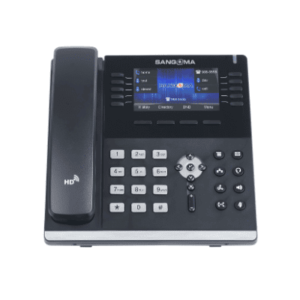
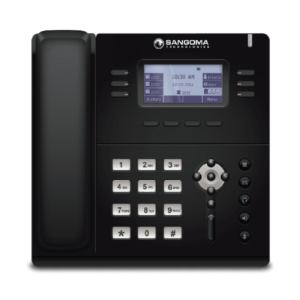
Sangoma S400 IP Phone
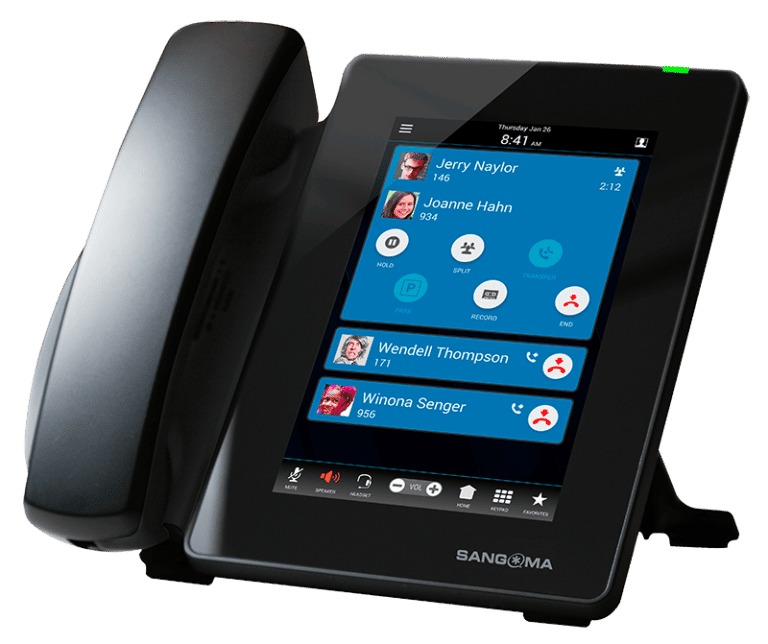
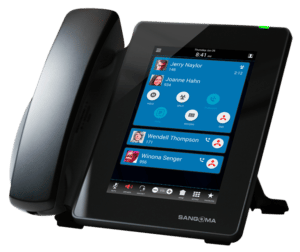
Sangoma D80 IP Phone
The Sangoma D80 IP Phone stands out as an exceptional IP phone solution, offering robust performance, dependable reliability, and superior audio quality. With its intuitive user interface and cutting-edge features, this device guarantees an unparalleled user experience. Boasting a generously-sized touchscreen, effortless installation process, and seamless integration with well-known telephony applications, the Sangoma D80 IP Phone emerges as the perfect choice for businesses of any scale, seeking a dependable and feature-rich communication solution.
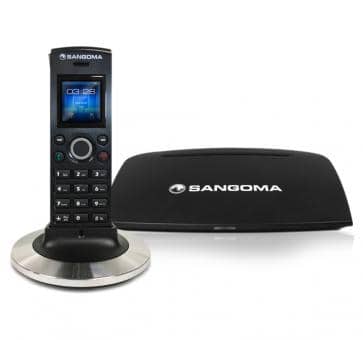
Sangoma DC201 Wireless DECT Phone
The DC201 DECT phone package, designed to work with Sangoma's Switchvox, PBXact, and FreePBX phone systems, provides SMBs with high-quality, wireless DECT that integrates into your phone system. The DC201 DECT Base supports up to 20 users, allowing your employees and colleagues to enjoy the freedom and efficiency of wireless technology.

Sangoma P310 IP Phone
The P310 phones have 2.4-inch backlit color LCDs with 320 x 240 pixels, four feature keys, four context-sensitive soft keys, and six-way key navigation.
Sangoma P315 IP Phone
The Sangoma P315 IP Phone is an entry-level phone with great quality intended for small to medium-sized organisations. It has a wide 2.8-inch colour display and supports up to two SIP accounts, making it a low-cost alternative for organisations with basic communication requirements.
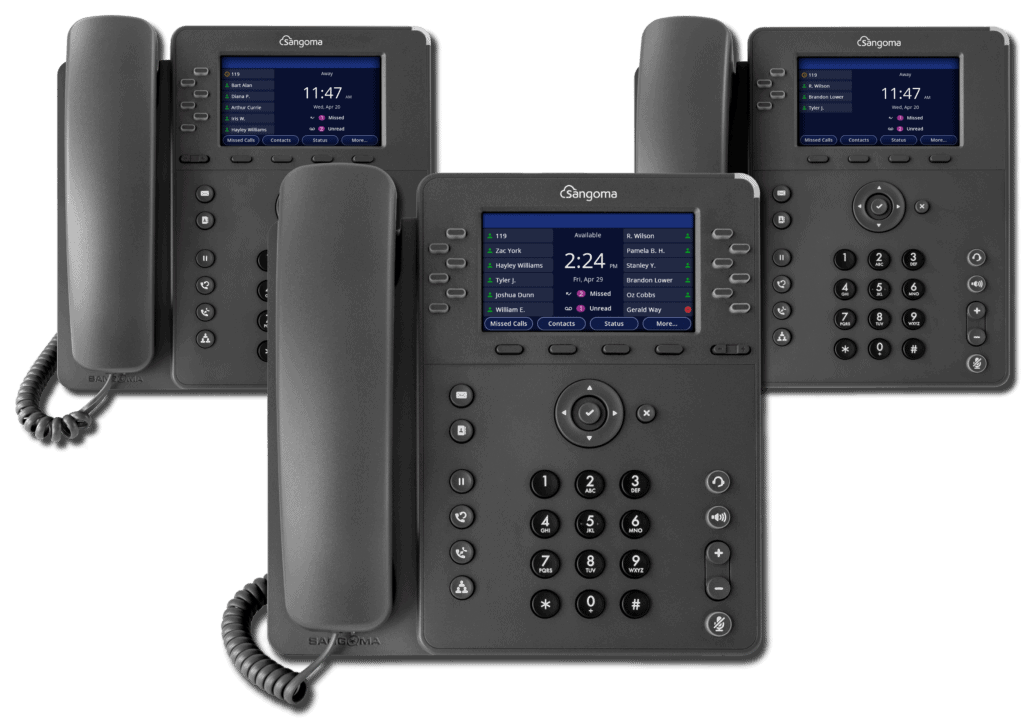
Sangoma P320 IP Desk Phone
Mid-Range Phones with Built-In Business Apps to Boost Productivity
Sangoma's P-Series mid-range phones are designed to provide the features required by all user types at an affordable price. All models include high-definition audio, plug-and-play deployment, and advanced built-in applications such as voicemail, call log, contacts, phone status, user presence, parking, and more. Sangoma's P-Series phones are the only phones that are compatible across Sangoma's entire communications as a service portfolio line, which increases their value even further.

Sangoma P325 IP Desk Phone
The Sangoma P325 Mid-Range IP Phone has a bright 4.3" 480 x 272-pixel backlit colour IPS LCD display and a page scroll key for virtual line keys! The Sangoma P325 comes with a full-duplex HD speakerphone with echo cancellation, allowing you to make crystal-clear calls while blocking out background noise! The Sangoma P325 phone is well-suited for use with Sangoma's entire Unified Communications portfolio, which includes Switch vox, PBXact, FreePBX, and Asterisk.

Sangoma P330 IP Desk Phone
The Sangoma P330 is the pinnacle of the mid-range, with 12 Line buttons and up to 10 pages for a total of 120 BLF/Line keys, 2.4/5GHz Wi-Fi for wire-free network setup, and Bluetooth support. It also accepts the PM200 expansion sidecar, which includes a 20-key attendant console for operators.

Sangoma P370 WiFi Touch Screen IP Phone
The Sangoma P370 is a 16-line executive phone. The IP Phone has a bright 7.0-inch touchscreen backlit colour IPS LCD display with 800 x 1280 pixel resolution. This phone has two USB ports, Bluetooth, WiFi, and Gigabit Ethernet.
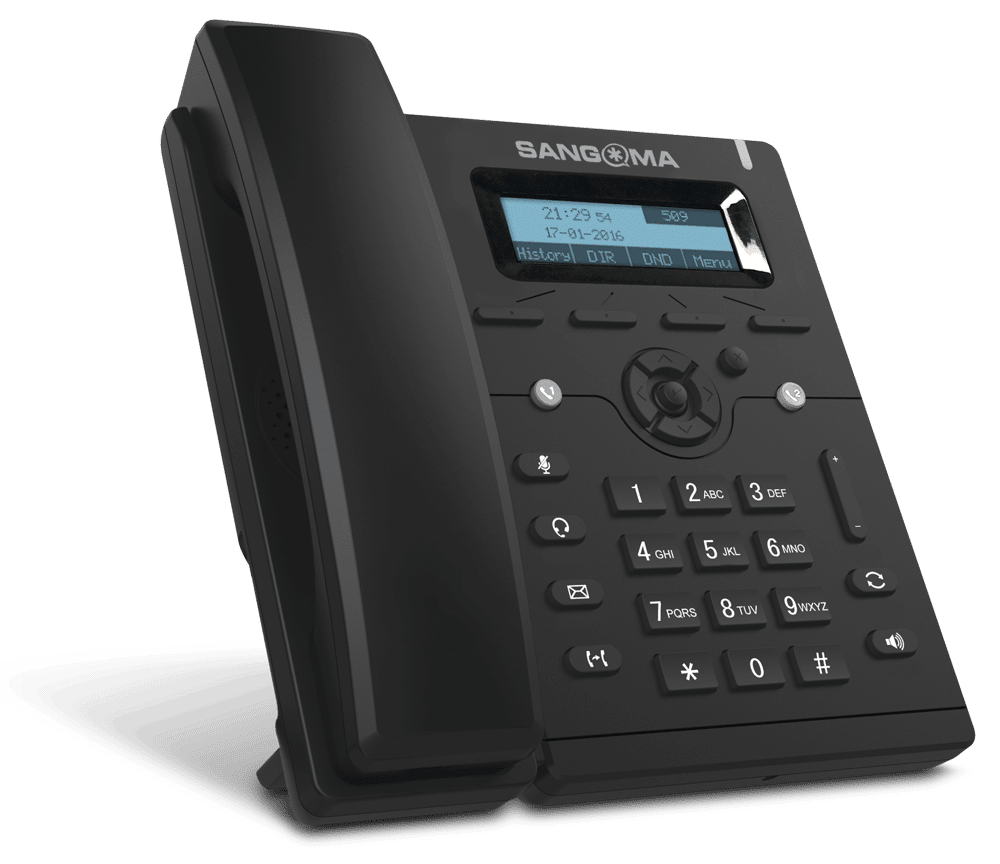
Sangoma S-206 S-Series IP Phone
Sangoma S-206 S-Series IP Phone gives you great basic features with one Session Initiation Protocol (SIP) account at a competitive, entry-level price point.

Sangoma S-305 S-Series IP Phone
The Sangoma s305 is a fully-featured phone with two Session Initiation Protocol (SIP) accounts at a competitive entry-level price point.
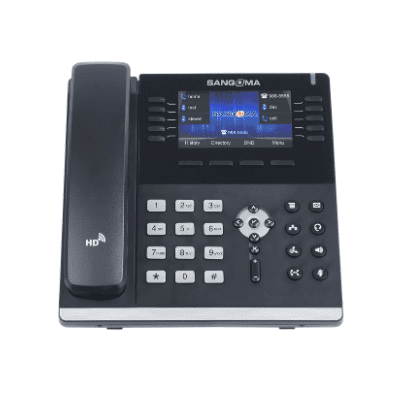
Sangoma S-406 S-Series IP Phone
The Sangoma s406 is a full-featured phone with three SIP accounts that comes at a reasonable price.

Sangoma S-505 S-Series IP Phone
For users who are often on the phone, the Sangoma S-505 is a mid-level IP phone with sophisticated capabilities, line support, and usability options.

Sangoma S-705 S-Series IP Phone
The s705 IP Phones are ready for the most demanding executive. The Sangoma s705 is a full feature set phone with 6 SIP accounts at a competitive price point.

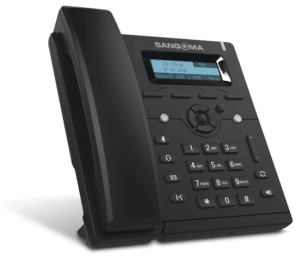
Sangoma S205 IP Phone
Introducing the Sangoma S205 IP Phone: Experience superior communication with this advanced VoIP solution. With HD voice quality, a user-friendly interface, and robust features like call waiting and call transfer, it enhances productivity. The S205's sleek design and easy setup make it perfect for businesses of all sizes. Upgrade your communication system today and enjoy crystal-clear calls and seamless connectivity.
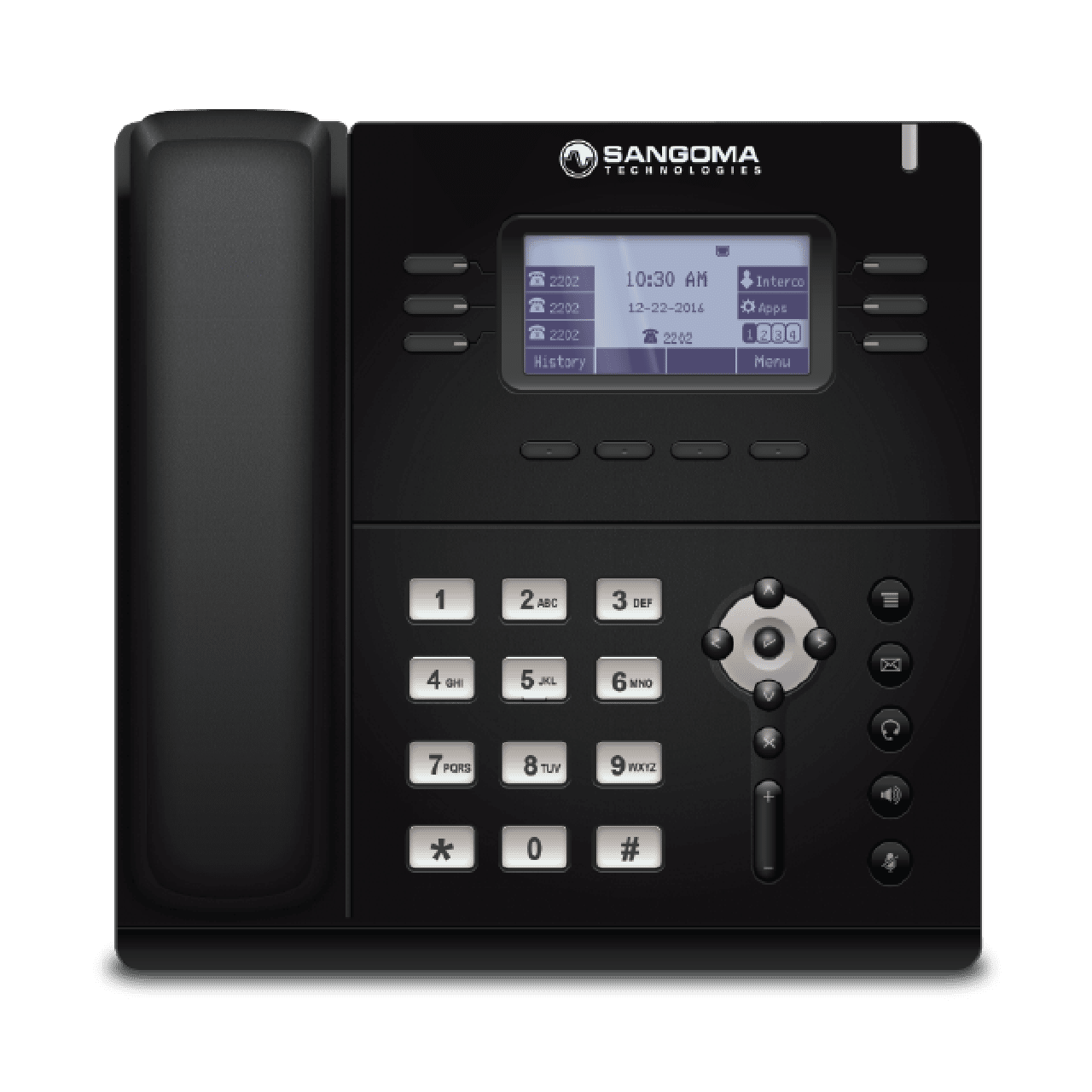
Sangoma S400 IP Phone
The s400 IP Phone is a competitively priced full-featured SIP phone with three SIP accounts.
Connect with us
Focus solely on growing your business while we take care of your apps, platforms, in-house, and overall cloud infrastructure
-
When Growth Finds You, Find Us
AcmaTel - Business Crafted Solutions
Get in Touch -
Request a Call Back
We will be happy to address your queries over a call
-
Connect on WhatsApp


