Brand: avaya

Video Conferencing System
Video conferencing is the use of technology to conduct real-time meetings, conferences, or discussions between individuals or groups of people who are located in different geographical locations. It allows participants to see and hear each other in real time, and to communicate as if they were in the same room.
Products in Video Conferencing System







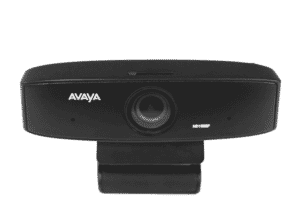
Avaya HC010 Huddle Camera
Avaya offers High Definition (HD) video conferencing room systems that incorporate cutting-edge video technology with capabilities required for today's room system deployments.

Avaya HC020 IX Huddle Camera
The Avaya IX Huddle Camera HC020 Dubai is a full HD USB camera that uses an UltraHD 4K sensor to provide a high-quality 1080p30 video signal, as well as a digital Pan Tilt Zoom (1080p resolution up to 2x zoom, 720p @ 3x zoom). You can also send an uncompressed signal over HDMI.

Avaya HC050 IX Huddle camera
Avaya IX Huddle Cameras HC050 is the most recent addition of cameras for Huddle Rooms that will be used on XT as primary or backup cameras. Users have complete control over their XT Room System via remote, Scopia Control, Web Interface, APIs, and other means.

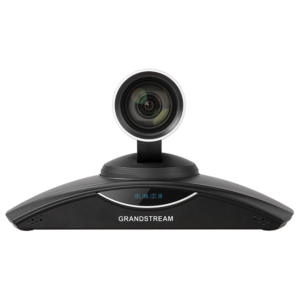
Grandstream GVC3202 Video Conferencing Unit
The Grandstream GVC3202 Video Conferencing Unit is introduced. This innovative solution enables remote teams to collaborate seamlessly with crystal-clear HD video and voice. The unit has a user-friendly interface, is simple to set up, and is compatible with various video conferencing services. Experience immersive meetings and productive discussions from anywhere, revolutionising the way you interact and communicate. Upgrade your conferencing capabilities with the GVC3202 today.

Logitech Meetup 4K Conference Camera
The Logitech Meetup 4K Conference Camera is a cutting-edge device designed specifically for compact to mid-sized conference rooms. It presents an exceptional choice for enterprises seeking to enhance their video conferencing capabilities, as it encompasses an array of state-of-the-art attributes and functionalities.

Logitech Rally 4K PTZ Conferencing Camera
The Rally's image sensor is 13MP and can take 4K video at 30 frames per second, making it suitable for Ultra HD recording and streaming. The cutting-edge 4K imaging technology generates high-quality images at all HD and Ultra HD resolutions, with clear video, accurate color reproduction, and optical precision.
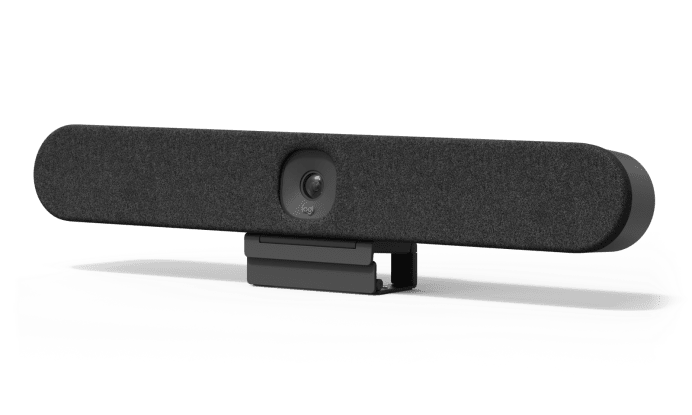
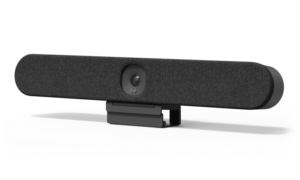
Logitech Rally Bar Huddle
Introducing the Logitech Rally Bar Huddle: Experience seamless video conferencing in small meeting spaces. This compact all-in-one solution combines 4K video, advanced audio, and intelligent AI features, ensuring crystal-clear communication. With its sleek design and easy installation, the Rally Bar Huddle is perfect for enhancing collaboration and productivity in any huddle room. Say goodbye to audio and video issues, and say hello to effortless team meetings with Logitech's top-of-the-line solution.
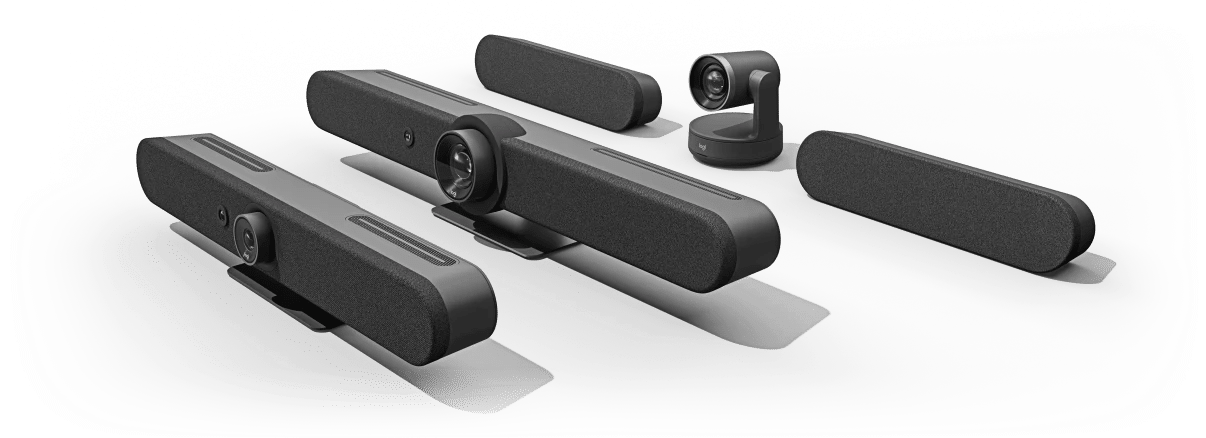
Logitech Rally Bar Mini Video conferencing
Logitech Rally Bar Mini Video Conferencing system is a strong and solid answer for small meeting rooms and huddle spaces. Its high level elements, usability, and mix with well known video conferencing platforms make it an ideal choice for organizations and associations hoping to further develop their video conferencing capabilities.
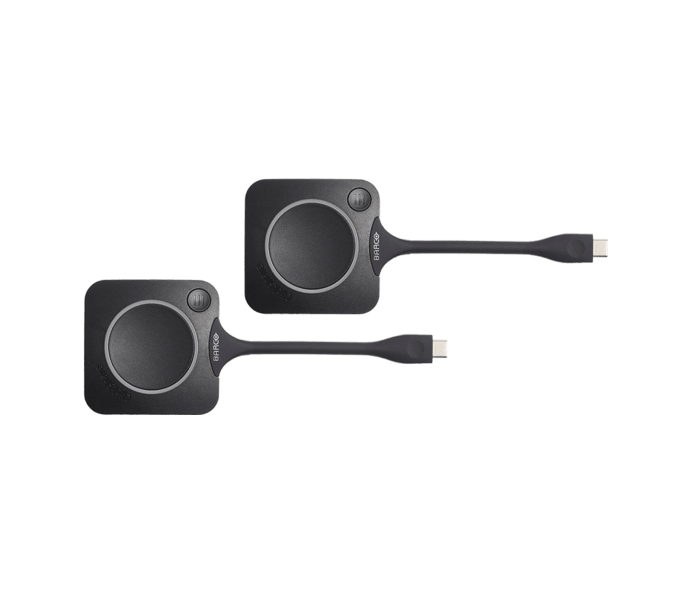
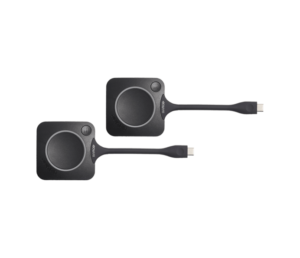
Logitech Room Solutions for Barco ClickShare
A wireless presentation and video conferencing system for use in small to medium-sized meeting spaces is the Logitech BARCO CLICKSHARE CONFERENCE. The system comes with a Logitech ConferenceCam, a ClickShare Base Unit, and a ClickShare Button. With the help of the ClickShare Button, users can wirelessly share the display on their laptop with the one in the conference room. To share their screen, users only need to plug the Button into their laptop's USB port and press the Button. The Button allows numerous presenters to share their screens simultaneously and is compatible with both Windows and Mac laptops.

Polycom VVX 1500 Video Conference Phone
Polycom VVX 1500 Video Conference Phone is a dependable and feature-rich IP phone ideal for small and medium-sized enterprises. Its strong video conferencing features and programmable keys make it a fantastic alternative for those that need advanced telephony and video conferencing functionalities as well as the capacity to scale up their phone system as their organisation grows.

Yealink Conference Camera UVC30 Desktop
The Yealink UVC30 desktop edition is a new USB camera with 4K UHD and 3x digital zoom that can be used on a personal computer on a daily basis. UVC30 Desktop supports the Windows Hello feature, which uses a built-in infrared sensor and face recognition to improve login security.

Yealink EYE 600 Video Conferencing System
Meeting Eye 600 has a stronger ability to noise proof and dereverberation thanks to its eight MEMS microphone arrays. The upgraded audio algorithm, combined with post-processing technology for acoustic echo cancellation and the dereverberation algorithm, results in high-quality full-duplex calls and more precise voice pickup.

Yealink Meeting Server (YMS)
YMS connects people through crystal-clear audio, HD video, content, and web collaboration, bridging locations across any distance or device and providing users with an enjoyable conferencing experience while reducing costs and increasing efficiency.

Yealink MeetingEye 400 Video Conferencing Camera
The Yealink MeetingEye 400 Video Conferencing is a small meeting room-friendly video conferencing endpoint. Dual 4K video conferencing is supported.

Yealink MVC300 Video Conferencing Room
The Yealink MVC300 Video Conferencing Room provides a comprehensive video conferencing solution designed for small and medium-sized meeting venues. This solution provides unsurpassed audio and visual perfection thanks to its high-quality camera, advanced microphone array, and cutting-edge codec.
Connect with us
Focus solely on growing your business while we take care of your apps, platforms, in-house, and overall cloud infrastructure
-
When Growth Finds You, Find Us
AcmaTel - Business Crafted Solutions
Get in Touch -
Request a Call Back
We will be happy to address your queries over a call
-
Connect on WhatsApp


